
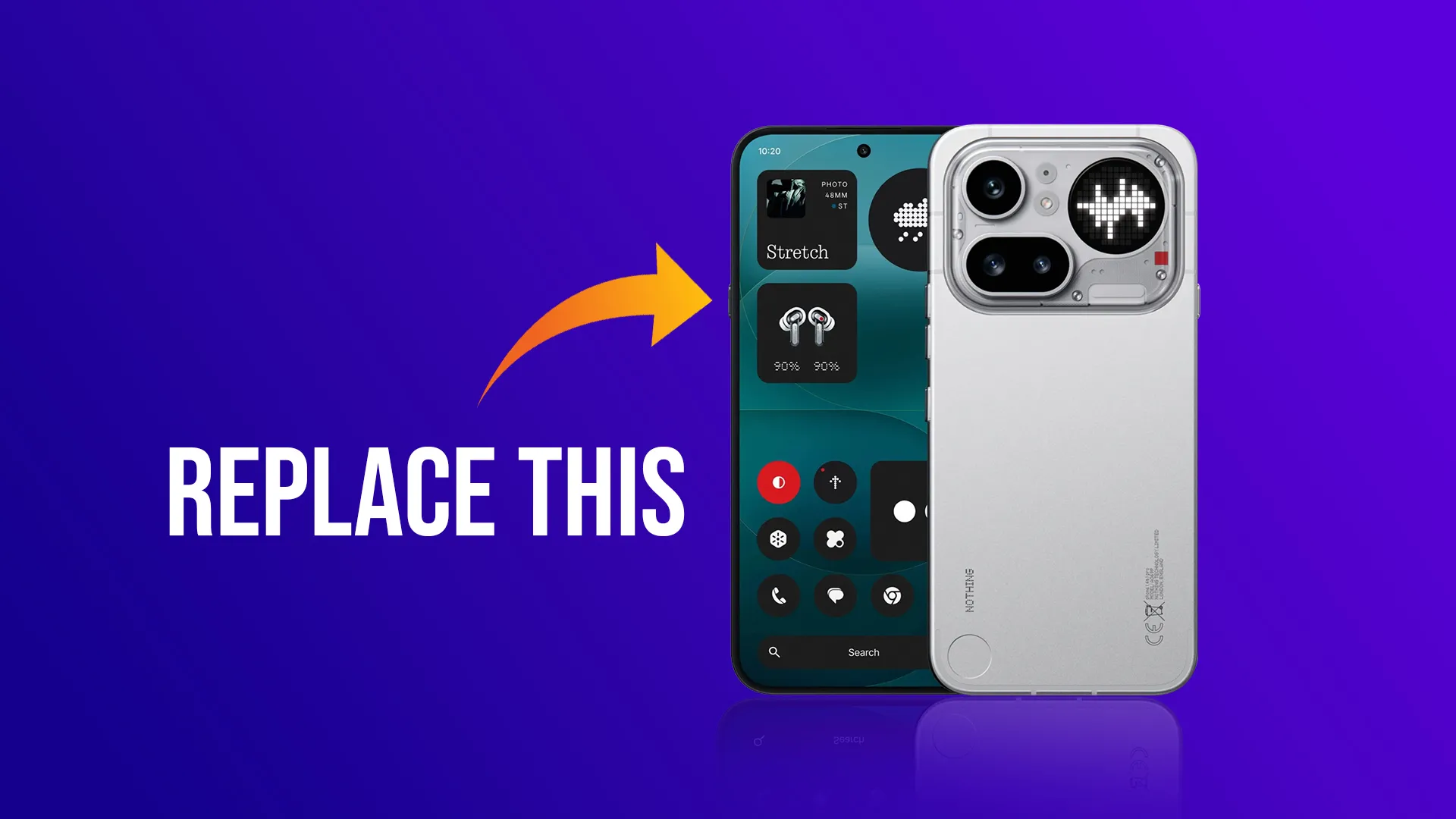
The Essential Key on the Nothing Phone 4a and Nothing Phone 4a Pro offers more potential than its default setup suggests. By default, this button launches Essential Space—a built-in feature for capturing screenshots and recording voice notes. However, many users find this functionality limited or unnecessary.
Fortunately, you can completely redefine what this button does—without rooting your device.
With a few simple ADB commands and the help of an app like Key Mapper, you can transform the Essential Key into a powerful shortcut. Whether it’s opening your camera, turning on the flashlight, launching Instagram, or even starting BGMI, everything can be done with a single press.
Why Remap the Essential Key?
If you’re not using Essential Space regularly, the button is essentially wasted. Remapping it unlocks several benefits:
- Instant access to any app or system function
- Greater control over your Android experience
- A more personalized and efficient workflow
- Extra functionality without complex modifications or root access
What You’ll Need
Before getting started, make sure you have:
- A Nothing Phone 4a or Nothing Phone 4a Pro
- A PC with ADB installed or an Android phone with Termux
- The Key Mapper app (available on the Play Store)
- USB Debugging or Wireless Debugging enabled
Step 1: Enable Developer Options
- Go to Settings > About Phone
- Tap Build Number seven times to unlock Developer Options
- Navigate to Settings > System > Developer Options
- Enable USB Debugging (and Wireless Debugging if needed)
Step 2: Connect to ADB
Option A: Using a PC (Windows or Mac)
- Download Platform Tools from the Android developer website
- Extract the ZIP file and open the platform-tools folder
- Connect your phone via USB
- Open Command Prompt or Terminal in that folder
- Run:
adb devices
If your device appears in the list, you’re ready to proceed.
Option B: Without PC (Using Termux)
- Install Termux from the Play Store
- Open Termux and run:
pkg update && pkg install android-tools - Enable Wireless Debugging on your phone
- Tap Pair device with pairing code and note the IP and port
Then run:
adb pair localhost:<pairing_port>
adb connect localhost:<connected_port>
Your phone is now connected to ADB directly.
Step 3: Disable Default Essential Key Functions
To stop the Essential Key from launching its default features, run:
adb shell pm disable-user --user 0 com.nothing.ntessentialspace
adb shell pm disable-user --user 0 com.nothing.ntessentialrecorder
This disables Essential Space and the built-in voice recorder tied to the button.
Step 4: Set Up Key Mapper
- Install Key Mapper from the Play Store
- Grant all required permissions (Accessibility, Input, etc.)
- Tap the + icon to create a new mapping
- Select Record Trigger and press the Essential Key
- It will appear as unknown keycode 0
- Choose your desired action (e.g., Launch App > Camera)
- Save your configuration
Now, pressing the Essential Key will trigger your selected action.
Step 5: Example – Launch Camera
To quickly open your camera:
- In Key Mapper, set the action to Launch App → Camera
Or test using ADB:
adb shell am start -a android.media.action.STILL_IMAGE_CAMERA
How to Restore Default Behavior
If you want to revert back:
adb shell pm enable com.nothing.ntessentialspace
adb shell pm enable com.nothing.ntessentialrecorder
Then restart your phone. The Essential Key will return to its original functionality.
Final Thoughts
The Essential Key on the Nothing Phone 4a and Nothing Phone 4a Pro can do far more than its default setup allows. With just a few minutes of configuration, you can turn it into a highly useful shortcut tailored to your daily needs.